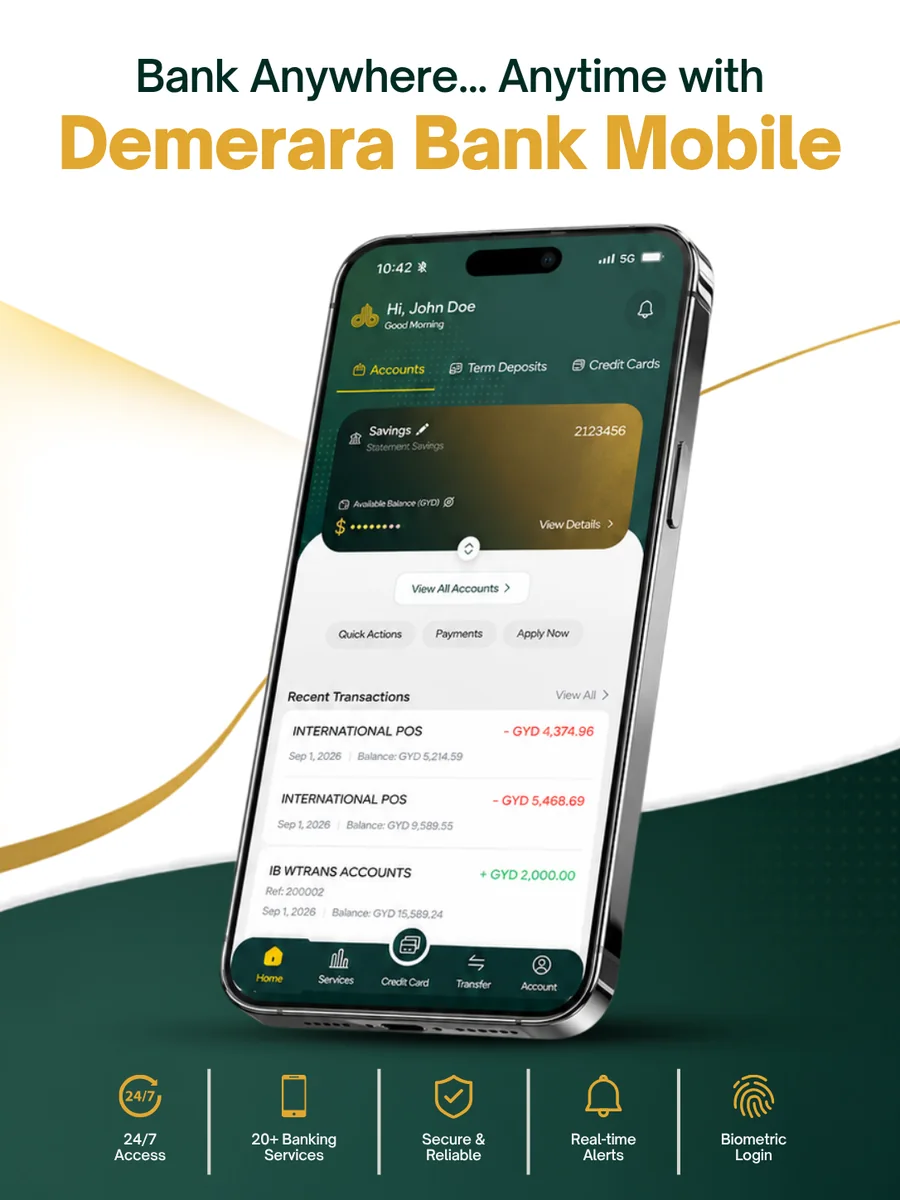
Your bank, right in your hands. Manage your accounts, make transfers, pay bills, apply for products and access everyday banking services securely — wherever life takes you.
Demerara Bank Mobile App is built for your individual banking, putting your accounts, transfers and everyday banking services on your phone, so you’re not tied to branch hours or a queue. Check a balance between meetings, send money to family overseas, apply for a loan on your lunch break, or book a branch appointment from home: it’s all there when you need it.
Download safely. Always download directly from the official App Store or Google Play Store – this guarantees you’re using the authentic, fully secure Demerara Bank Mobile app.
Everything You Need, In One App
The Demerara Bank Mobile App puts the tools you need right at your fingertips — secure, simple and always within reach.
Sign in instantly and securely with Face ID or fingerprint on compatible devices.
OTP-Protected Actions
Every new recipient, payee or sensitive change is verified with a one-time password sent to your registered email.
Protect Your Information
Demerara Bank will never ask you to share your password or OTP – treat any request to do so as suspicious and report it immediately.
Getting Started in Six Simple Steps
1. Download
Get Demerara Bank Mobile from the Apple App Store or Google Play Store.
2. Get Started
Open the app and select Get Started, then Register.
3. Agree
Accept the Terms & Conditions and Data Privacy Consent.
4. Enter Your Details
Provide your registered email address, Customer Number, and a preferred username and password.
5. Verify
Enter the verification code sent to your registered email address to activate your profile.
6. Log In and Go
Sign in with your new username and password, and enable biometric login so next time is even faster.
Helpful Tip: keep your customer number handy before you login. You’ll find it on your onboarding letter or email. It’s different from your account card or PIN. Alternatively, you can reach out to any of our Branches to receive your details.
Mobile Banking Help Centre
Find answers to common questions about registering, accessing and using the Demerara Bank Mobile Banking App.